Build with Prototyper
Turn the book’s approach into a working session with your AI assistant. Build a proof of concept of your main user flows, with interactive mocks for supporting services and a focused MVP handoff. A chat assistant can prepare a simulation and build brief.
Define
Name the user, their task and the assumption you need to test. Set the scope and observable acceptance criteria.
Build and check
Start with one working route, then complete the agreed main flows. Mock supporting services, label their effects and exercise success and recovery on desktop and mobile.
Compare and repair
Check the artifact against fixed criteria. Compare matched A/B artifacts when they help, use a separate critic when available, then repair and check the largest gap.
Handoff
Give your team working files, setup steps, evidence and open questions. Keep assumptions and untested checks visible.
Start with your AI assistant
Copy this prompt into an assistant that can read web pages. Replace the idea at the end with your own.
If your assistant cannot fetch a web page, open the skill guide and paste its contents and the relevant linked guides into the conversation.
Examples
Four prototypes built with Prototyper in one working session, each with its brief, fixed criteria, a separate review and the screenshots from its own checks.
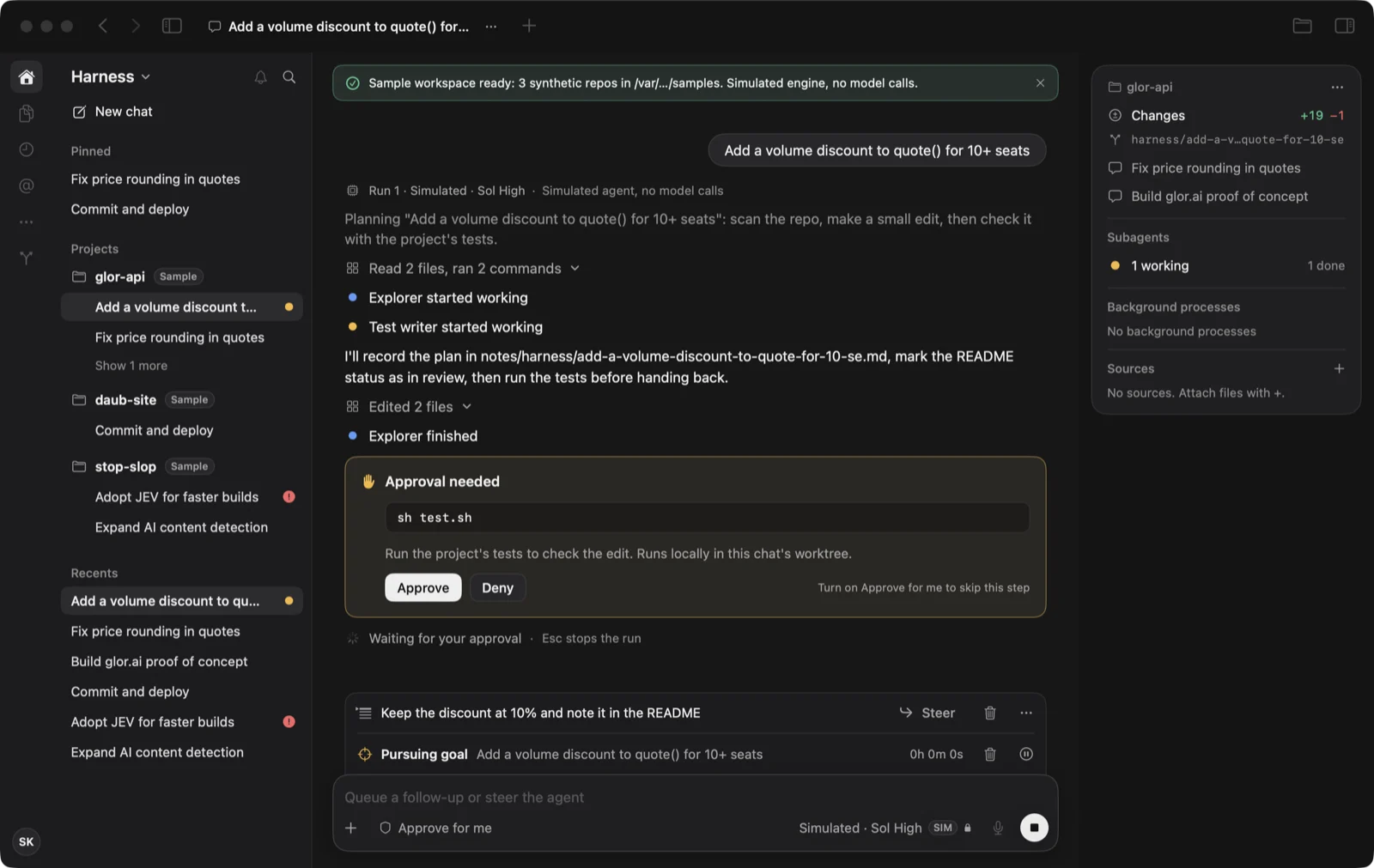 Mac app · SwiftUI · git worktreesHarnessHand a task to a coding agent, steer it, approve its tests and commit the diff, all from one window.
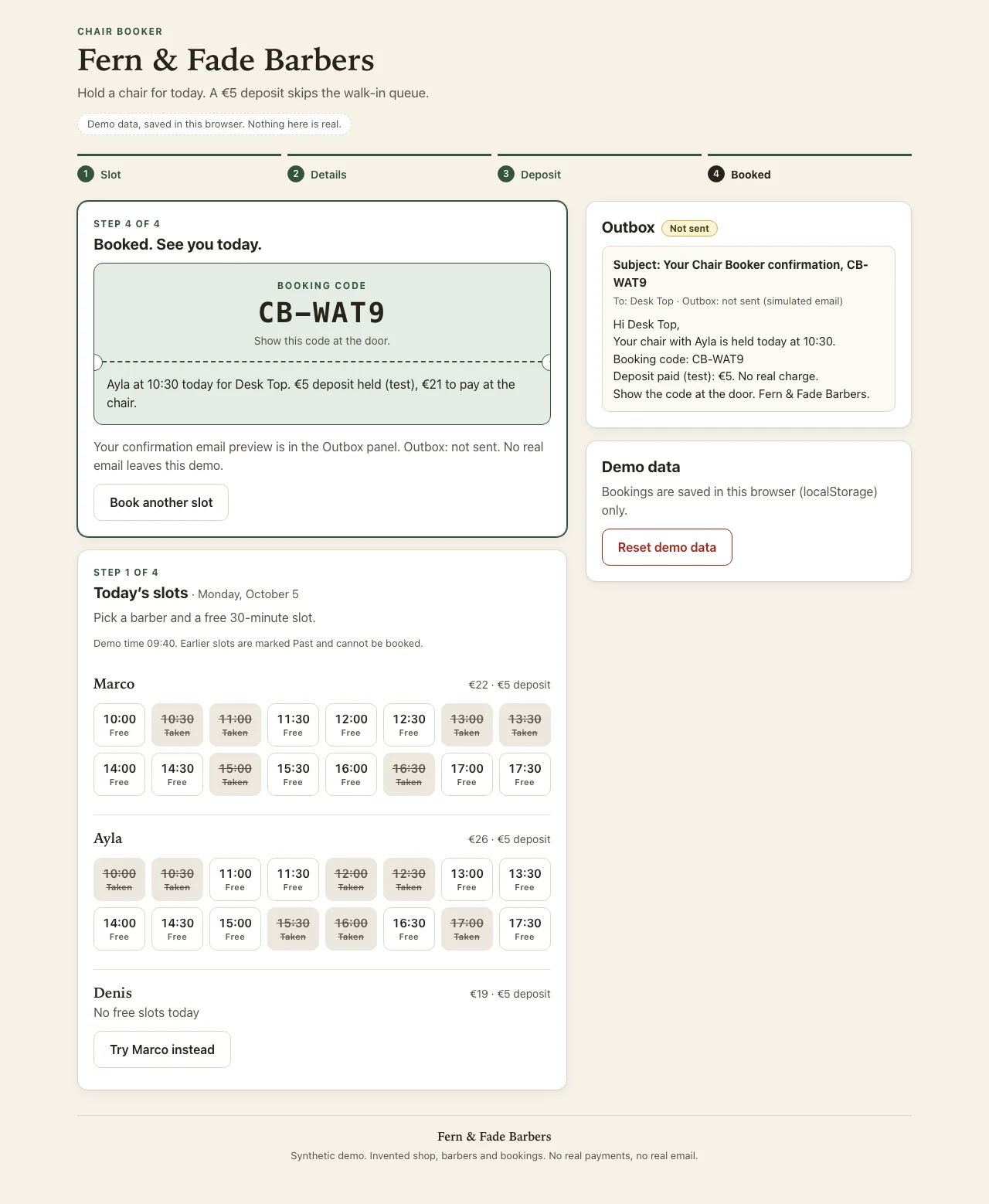 Web page · HTML, CSS and JavaScriptChair BookerBook a barber’s chair from a phone, with a test deposit and a confirmation email that is never sent.
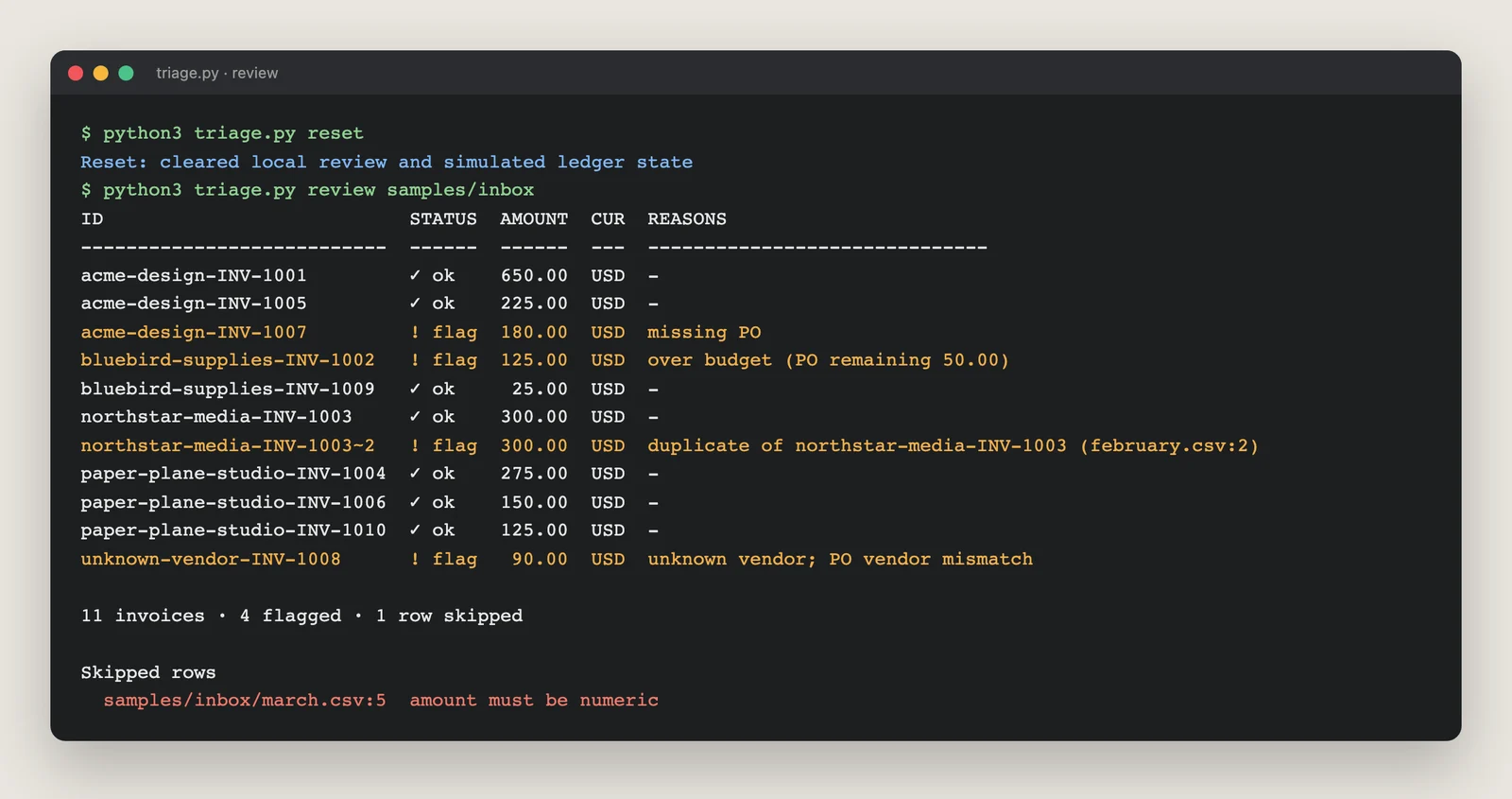 Command-line tool · Python standard libraryInvoice TriageFlag duplicate, over-budget and unmatched invoices before anyone approves them.
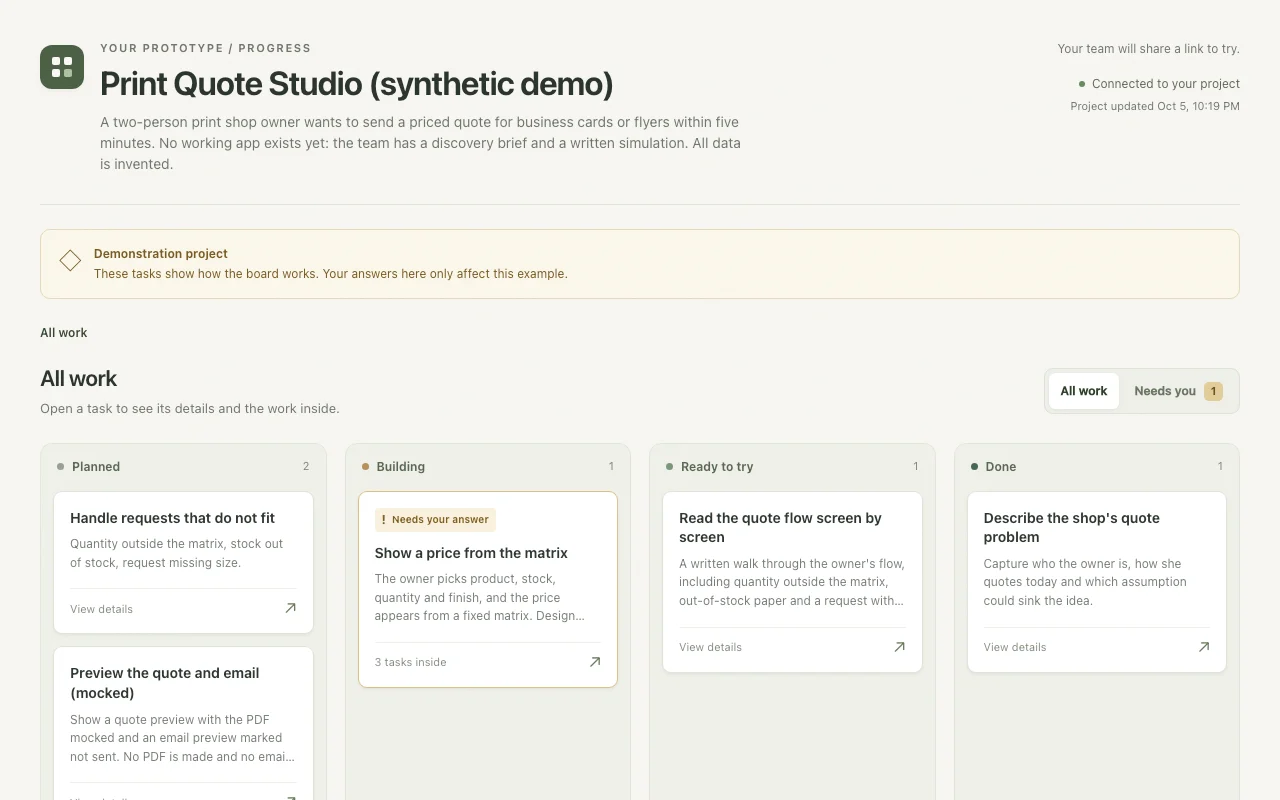 Discovery survey · progress board · simulationPrint Quote StudioDefine the job with a local survey, track it on a board and hand over a screen-by-screen simulation.
Smaller experiments
Four quick builds on other stacks, each taken only as far as a page like this needs.
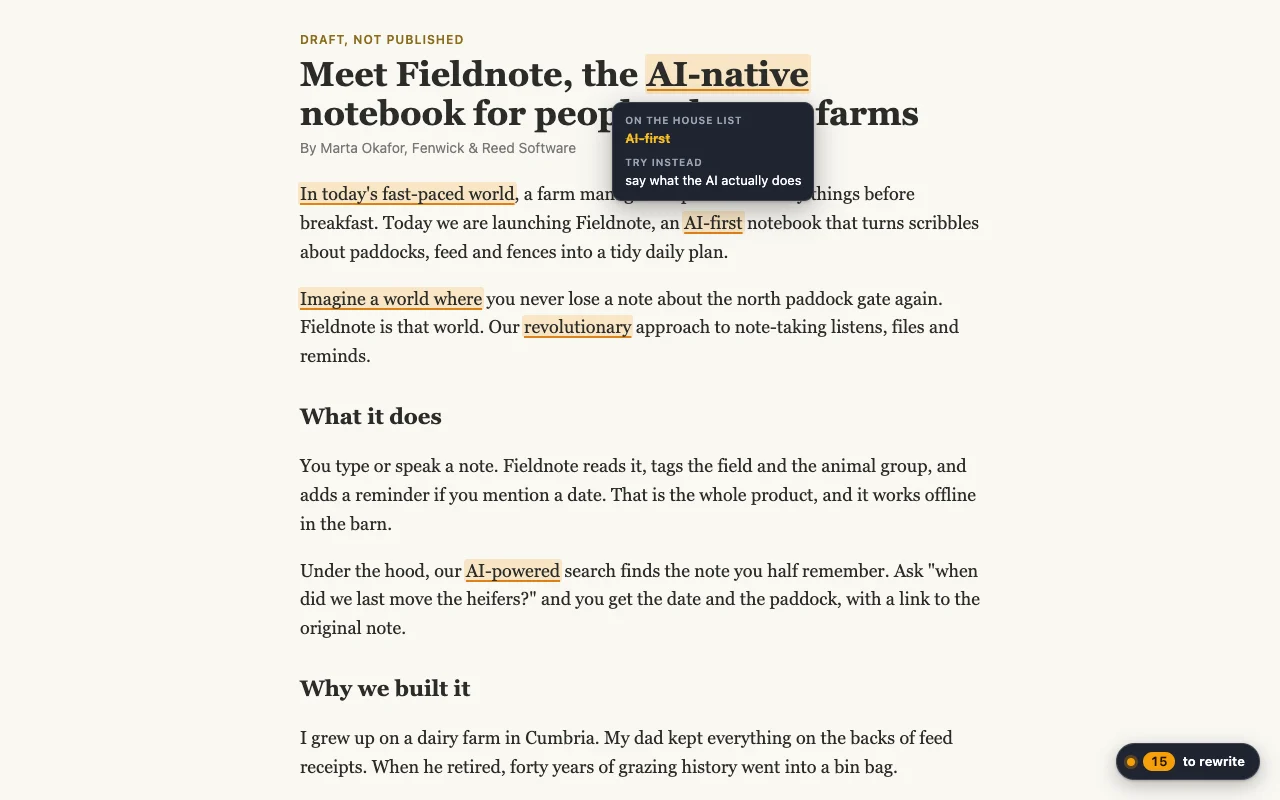 Browser extension · Manifest V3 · JavaScriptSlop SpotterMark the book’s banned phrases on any web page, right where the draft lives.
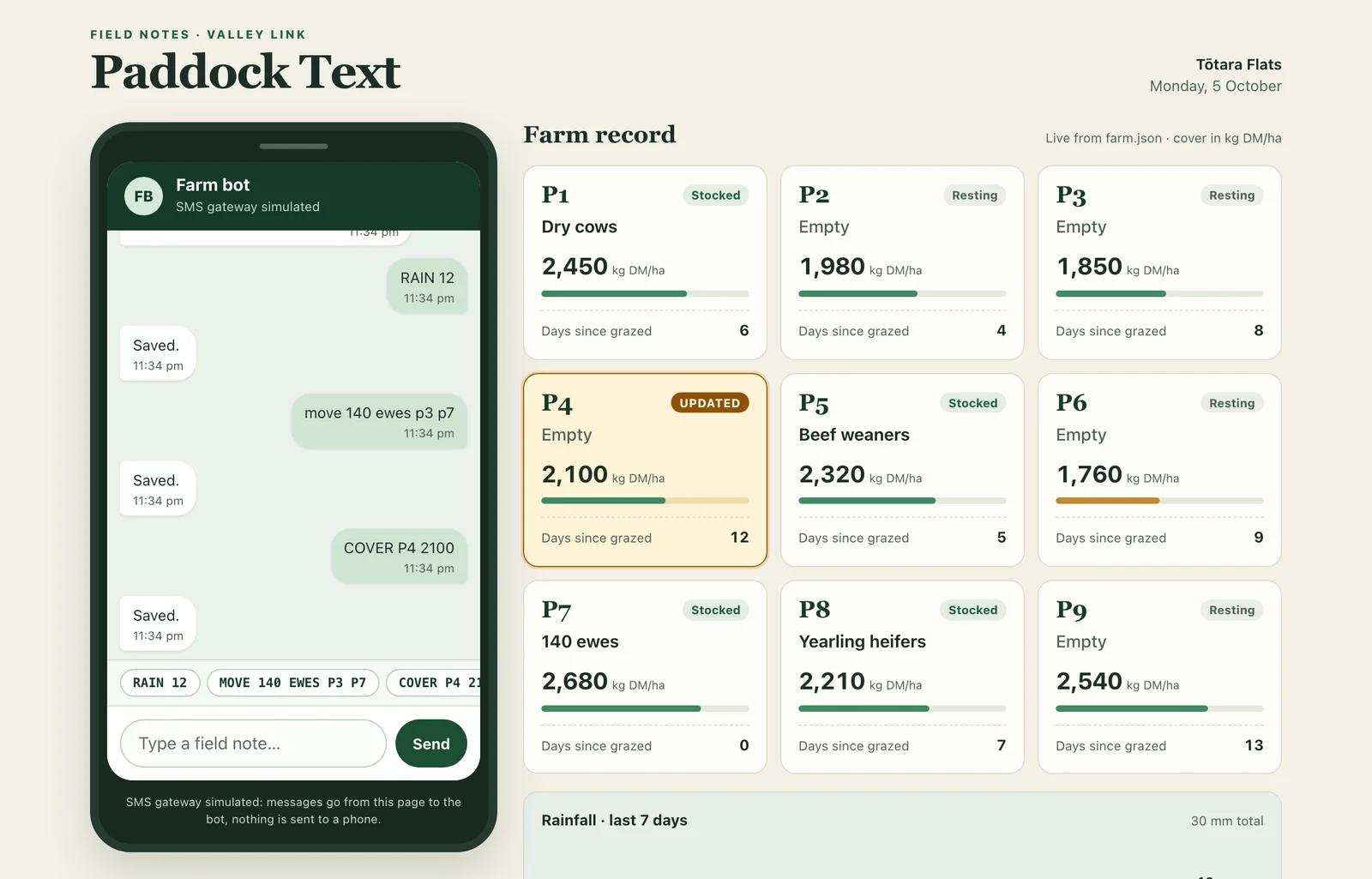 SMS bot · Go standard libraryPaddock TextLog rain, stock moves and grass covers by text message from a paddock with no data signal.
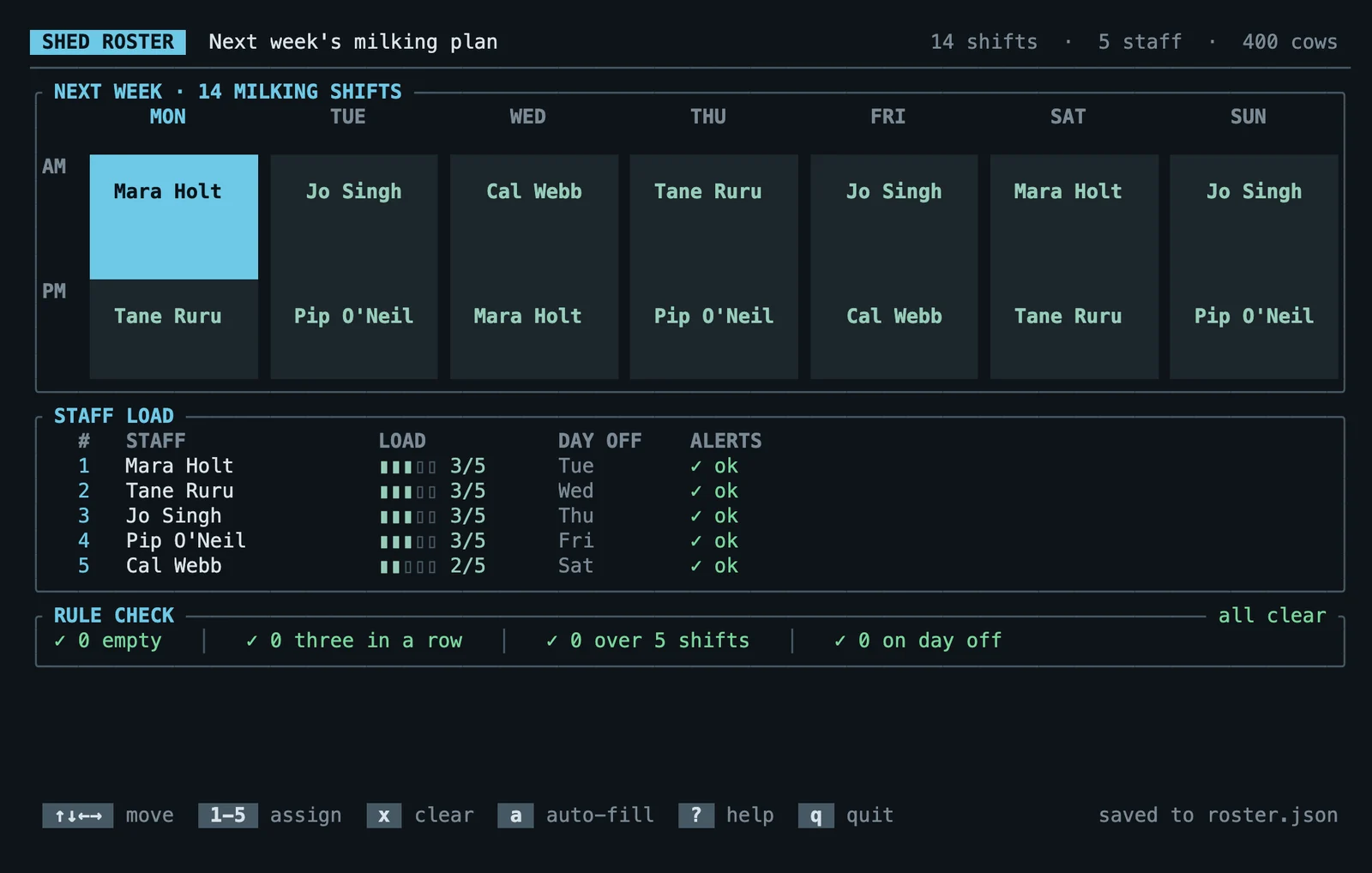 Terminal app · Rust · ratatuiShed RosterFill a week of milking shifts from the keyboard, with the roster rules checked as you go.
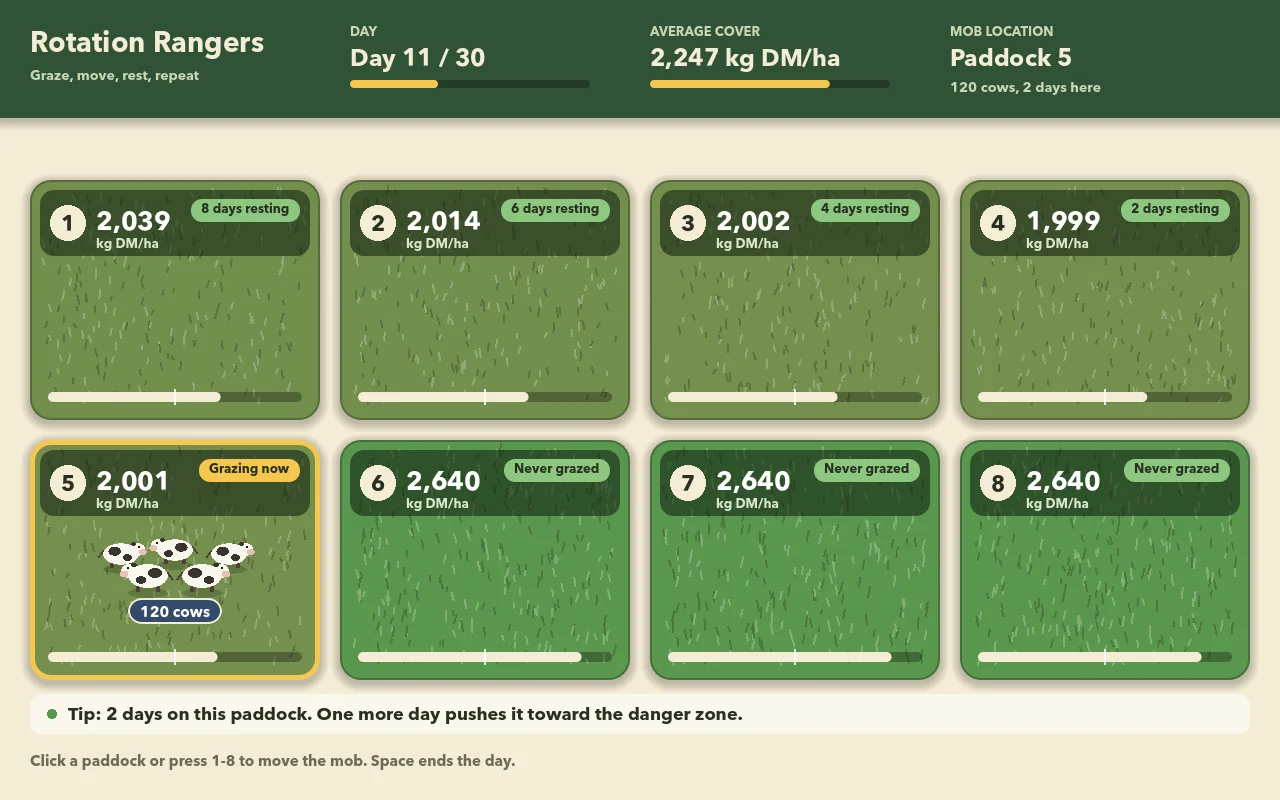 Game · Godot 4 · GDScriptRotationMove a mob of cows across eight paddocks for 30 days and watch the grass recover or collapse.
Keep discovery on your computer
The optional survey helps you define a website, app or service. Save a draft, edit answers and resume later. It stores answers in a local SQLite database and exports a brief and acceptance criteria. The survey sends no answers to third-party services.
Follow the local discovery guide, or work through the questions in your agent conversation.
Take Prototyper with you
Install it in a coding agent with npx skills add sliday/skills --skill prototyper. Choose your agent and project scope.
Browse the public source or the Sliday skills directory. Use PLEA, Slag, DAUB, Harn or Google Fonts when they fit your task.