Mac app · SwiftUI · git worktrees
Harness
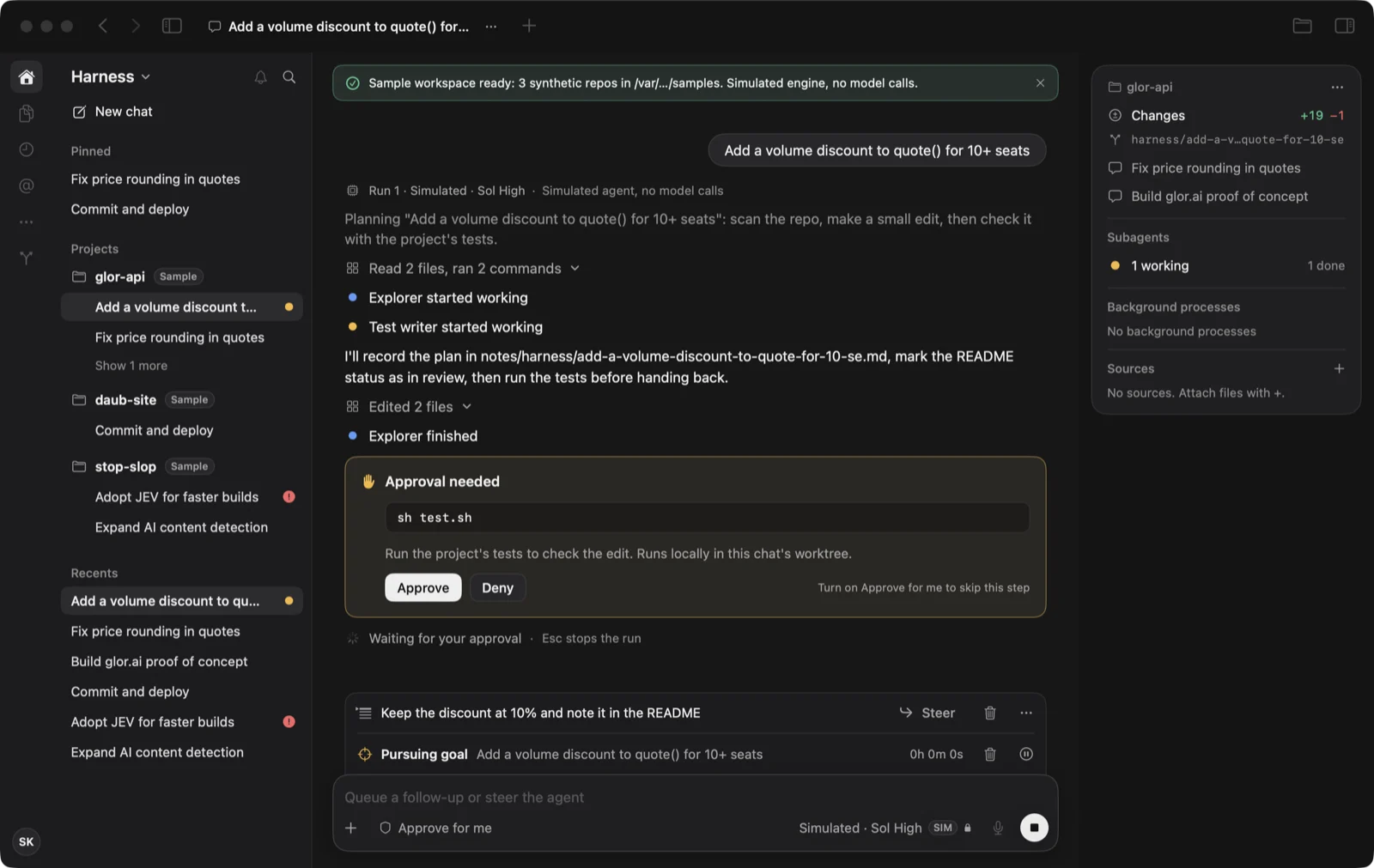
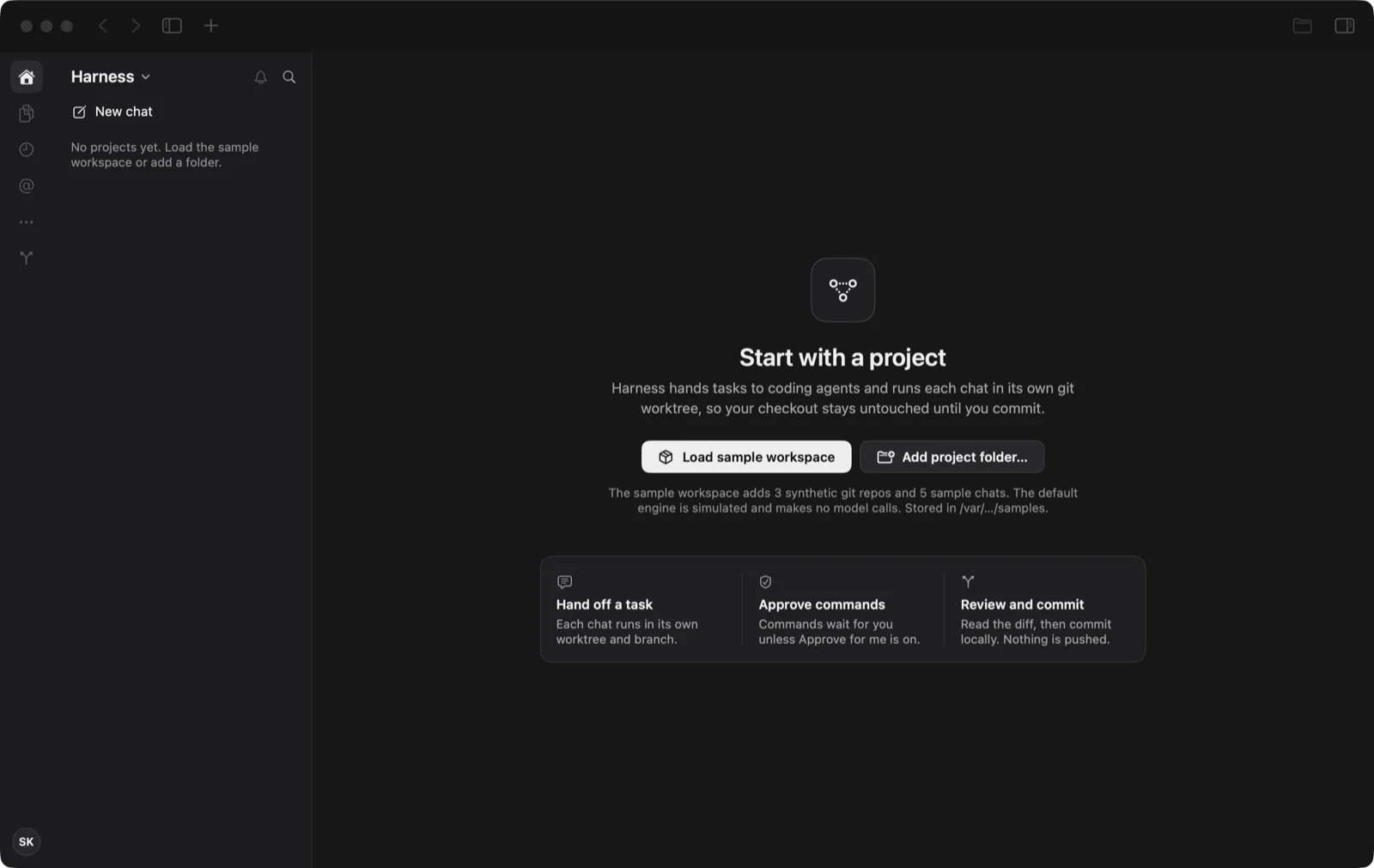
A native Mac window for running coding agents. Each chat works in its own git worktree, so the agent never touches your checkout until you commit.
- User
- A developer with several local repositories and agent command-line tools, who juggles terminal tabs, briefs and worktrees by hand.
- Risky assumption
- A chat transcript plus a live inspector (changes, subagents, background processes) gives enough oversight to trust and steer agent work without opening a terminal.
- Stack
- SwiftUI and Swift Package Manager, built with Command Line Tools only. Git and shell commands run for real.
- Status
- Runnable and checked on macOS 26 (Apple silicon). Not production software.
The brief was a screenshot of a desktop coding app and one sentence. Claude Code led the session with Prototyper; Codex built the git, process and storage services and Kimi built the adapters for live command-line agents.
What it does
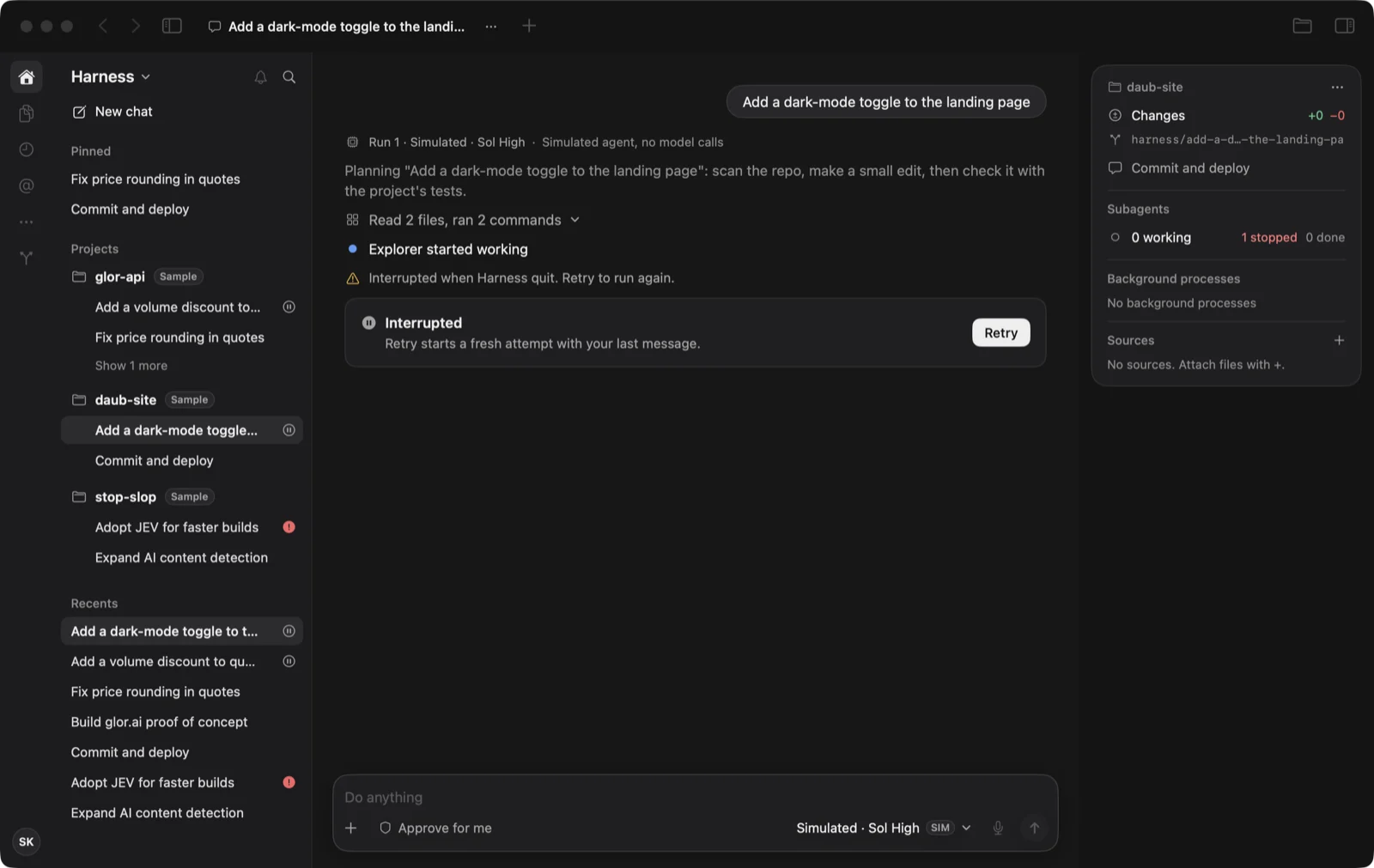
- Send a task. Activity lines, subagent progress and the agent’s replies appear in the transcript.
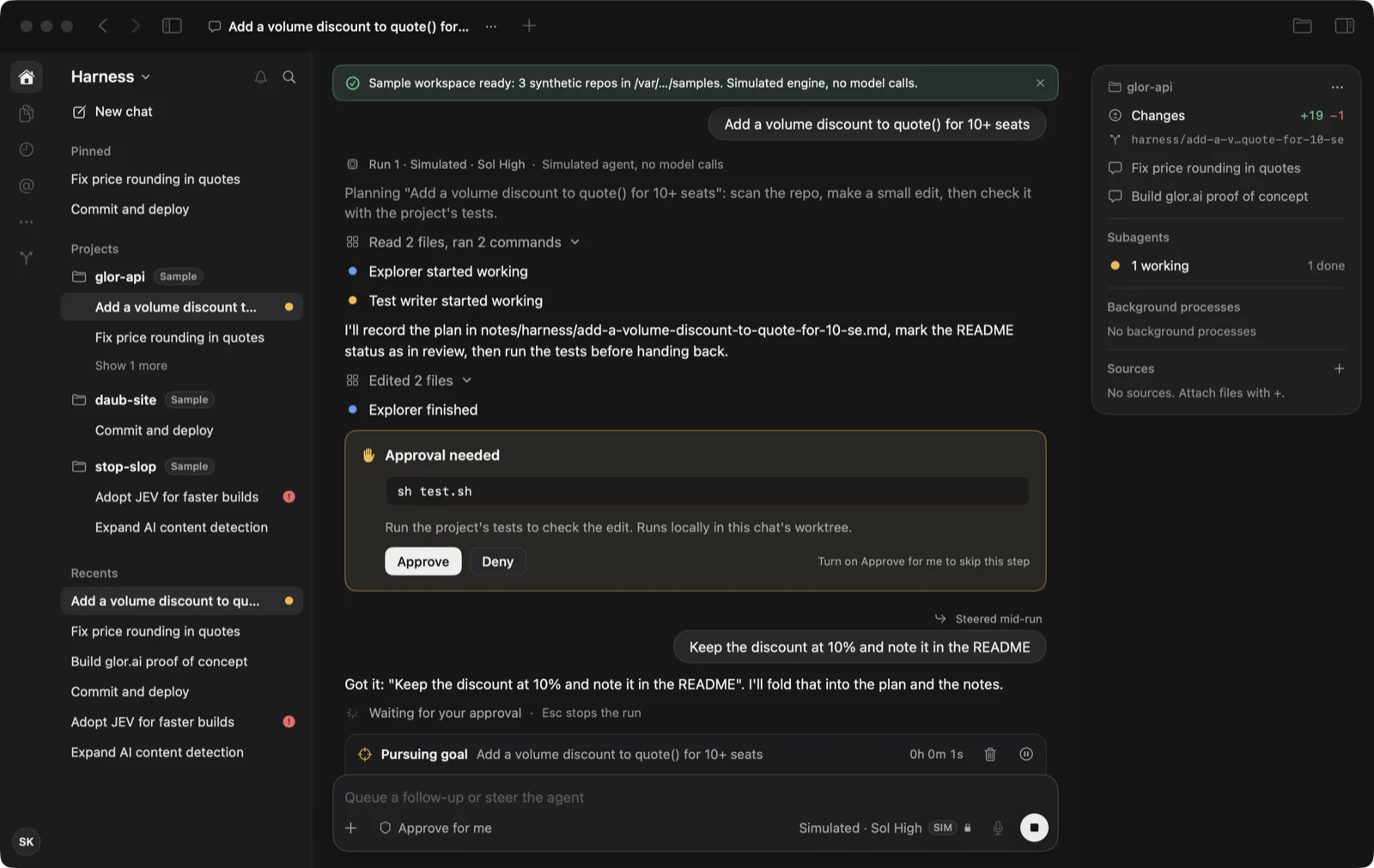
- Steer mid-run. A follow-up queues above the composer; Steer hands it to the running agent, which answers it.
- Approve a command. The agent asks before it runs the project’s tests; the run appears under Background processes with its exit code.
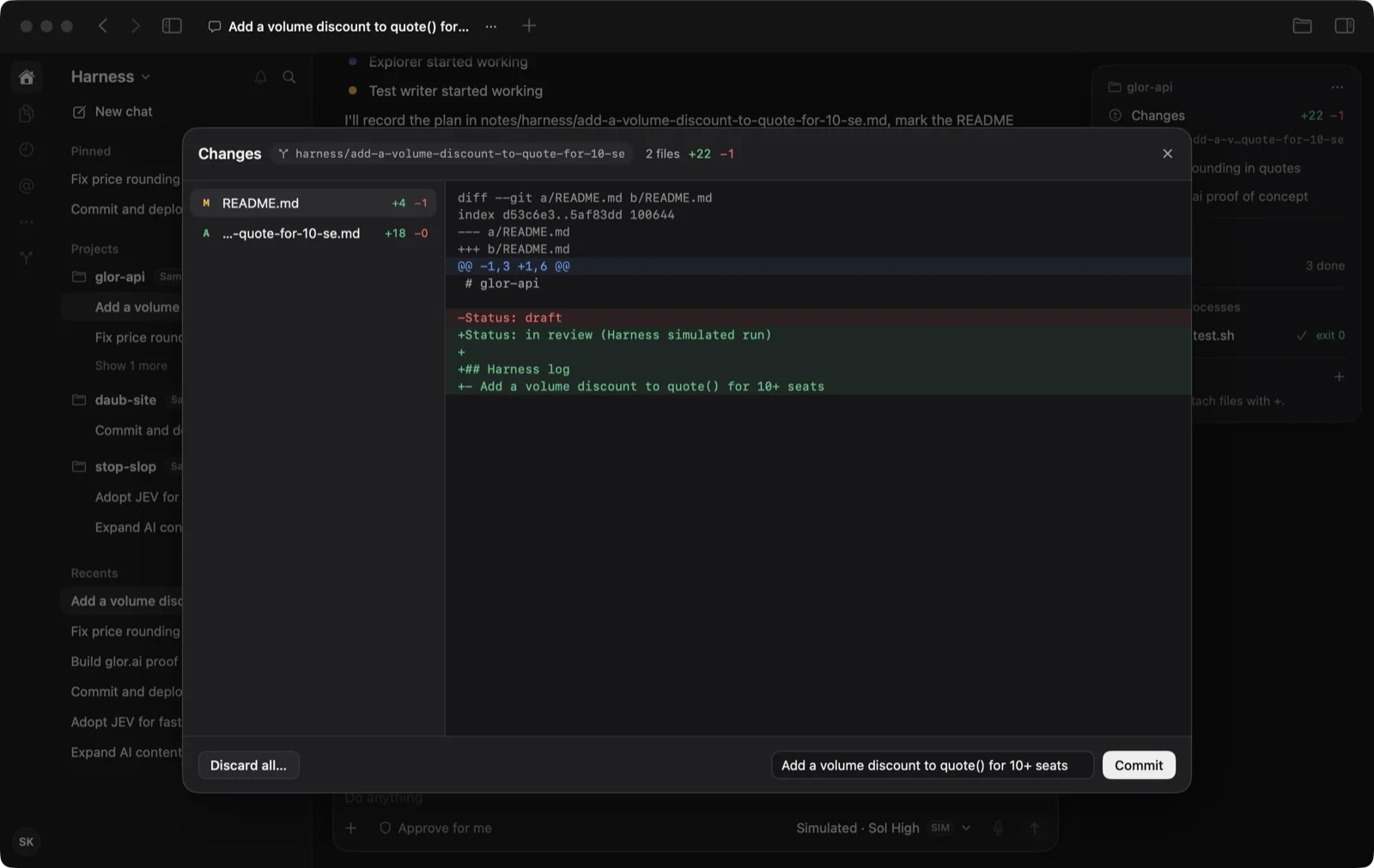
- Review and commit. The “files changed” pill opens per-file diffs; Commit lands on the chat’s own branch. Nothing is pushed.
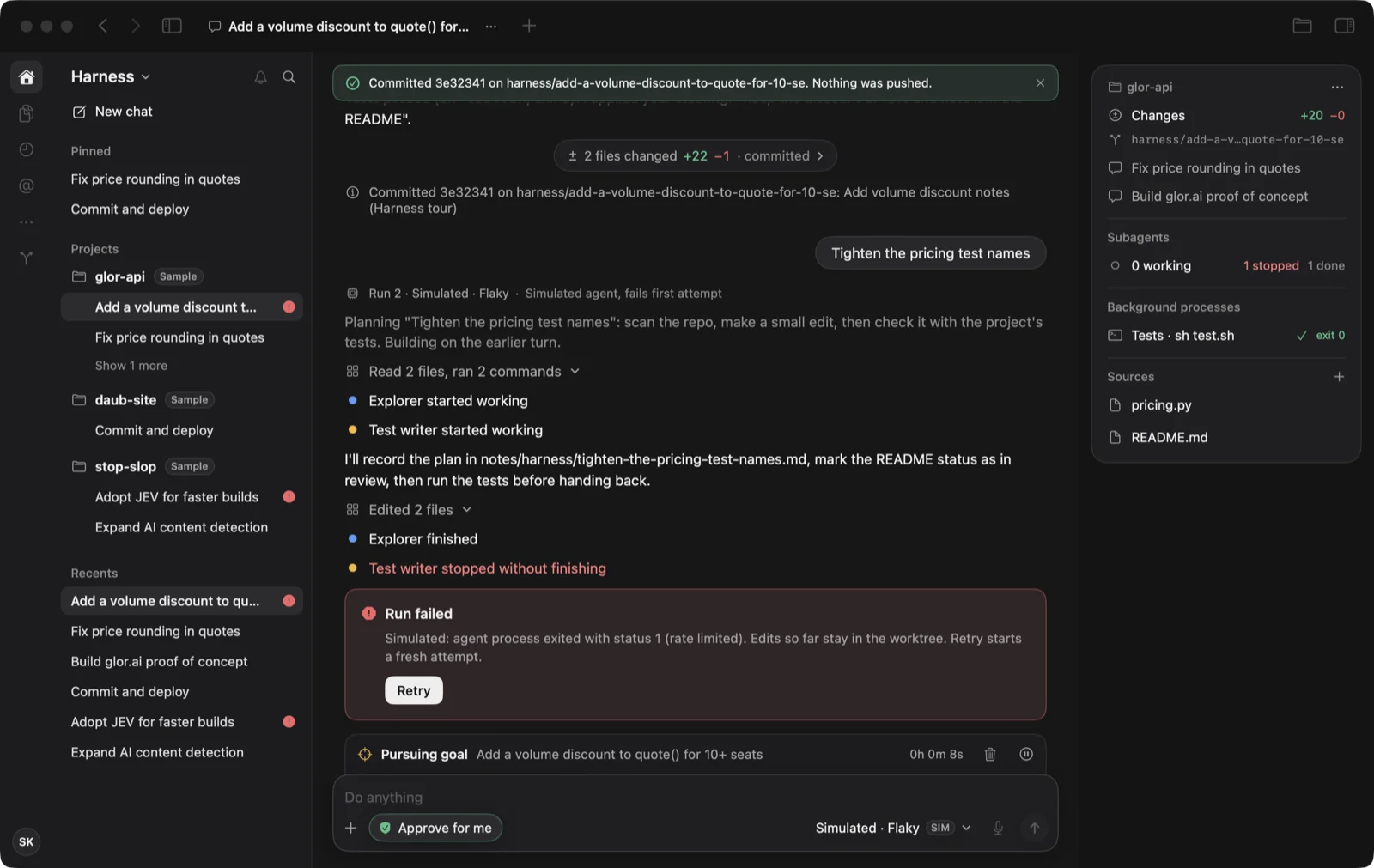
- Recover. Stop, a failed run with Retry and a run cut off by quitting all come back with a clear next step.
What is real and what is simulated
| Default agent | Simulated: a scripted agent that makes no model calls |
|---|---|
| Claude Code and Codex engines | Live, but not yet run against a real account; their output parsers were checked on synthetic samples |
| Worktrees, diffs and commits | Real local git, never pushed |
| Tests after approval | Run for real inside the chat’s worktree |
| Notifications and voice input | Not built; dimmed and labelled in the window |
How we checked it
- We wrote 15 acceptance criteria before building and held them fixed.
- 55 automated checks cover git, processes, storage and the scripted agent. A tour drives the real window through every flow and saved the screenshots on this page.
- A separate reviewing agent, with no build history, passed 14 of 15 criteria. The gap was a missing README; a clean clone now builds the app and passes every check.
- The reviewer also found raw colour codes in test output, subagent counts that piled up across runs and old “files changed” pills that read as current after a commit. All three are fixed.
- A blind comparison of first-round and second-round screenshots preferred the second round in both pairs. That is an agent’s preference, not a user test.
Screens
What happens next
The team receives the brief, the fixed criteria, the task plan, a ledger of every review round, a handoff note, the screenshots and the scripts that rebuild them. The first decision for them: which live agent to wire up first, and how its permission requests reach the approval card. No user feedback has been collected.